- How does SmartBatchRenamer detect the real file format?
- SmartBatchRenamer reads signatures and internal structures from the file contents instead of trusting the filename. It can distinguish DOCX, XLSX, PPTX, APK, EPUB, and JAR even though they share a ZIP container. When content cannot be identified, it falls back to the existing extension in lowercase.
- Can it correct a wrong or missing file extension?
- Yes. Every file is checked even when no other rule changes its name. A mismatch produces a non-blocking warning; after you confirm the correction, the ExtName template rule always runs after all active rename rules.
- Can I preview filenames before applying a batch rename?
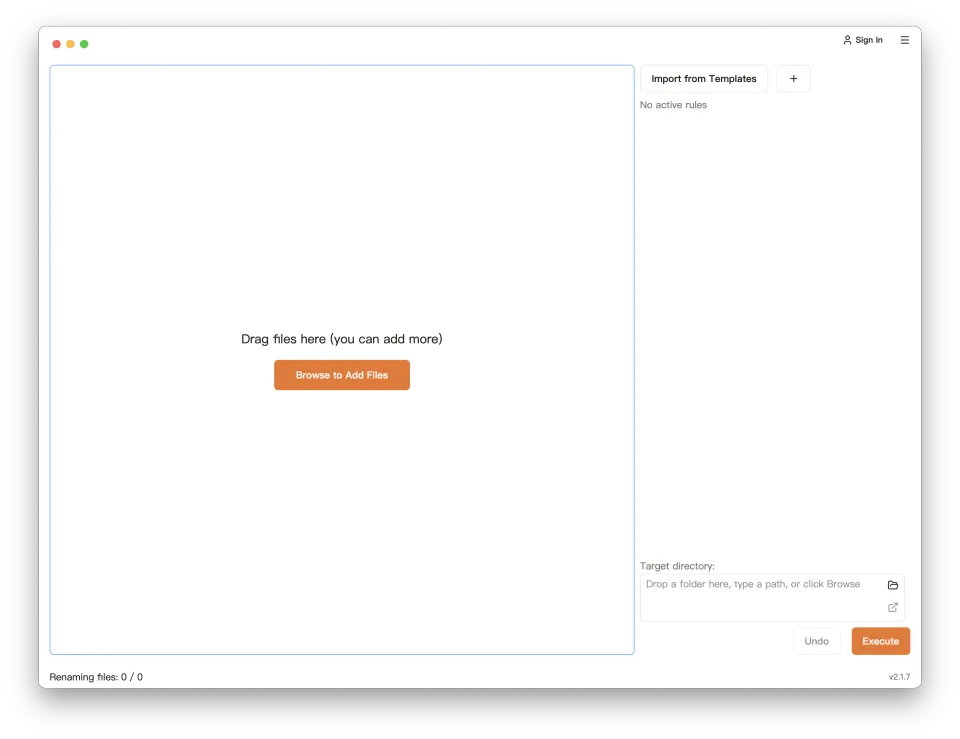
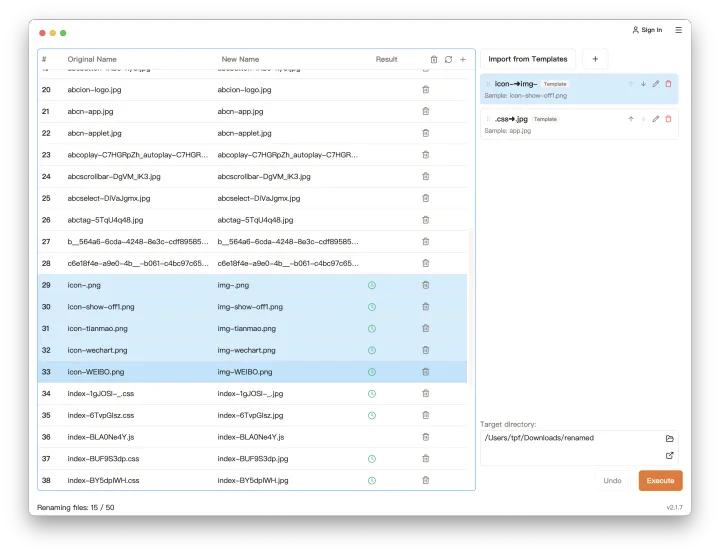
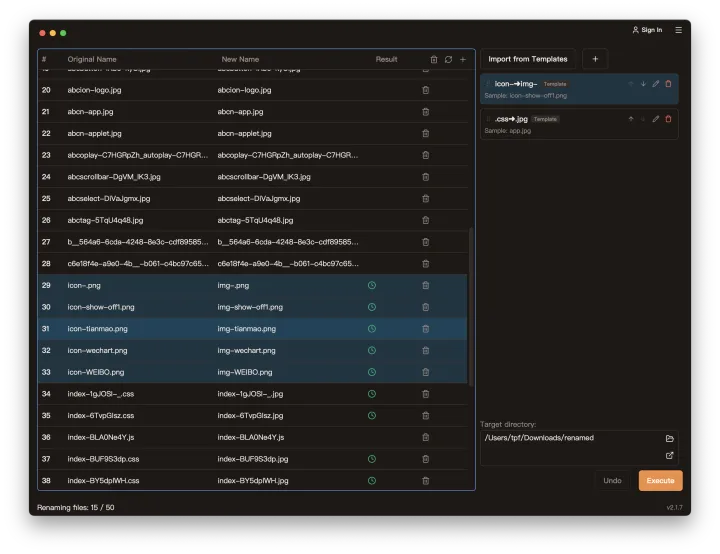
- Yes. Every rename rule updates the preview before execution, so you can compare original filenames with the new filenames first.
- Which rename operations can I use in a rule?
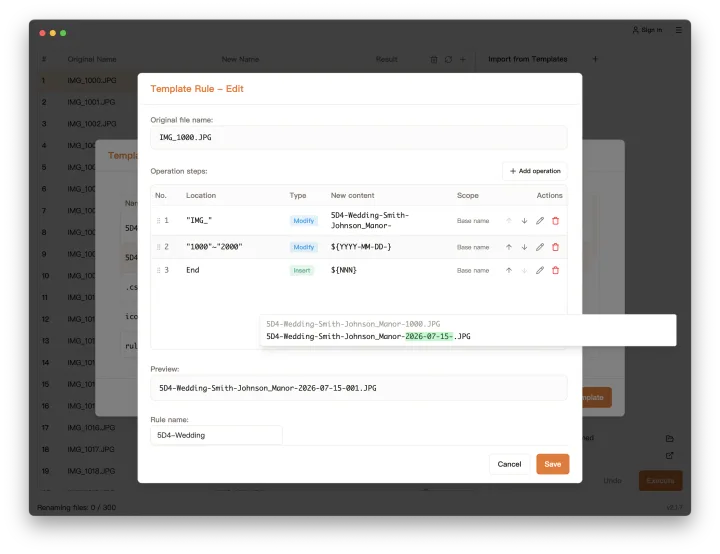
- SmartBatchRenamer supports insert text, search and replace, and delete-character operations. Operations can also use date/time, sequence number, and random sequence parameters, then be combined into a complete rename rule.
- Can I reuse rename rules for future tasks?
- Yes. After creating rules and saving them as template rules, you can reuse that rule set in later batch renaming tasks without rebuilding it from scratch.
- Can I undo a batch rename?
- Yes. After a rename is executed, one-click undo restores every file's original name.
- Are my files uploaded during renaming?
- No. File lists and rename operations are handled locally on your device, and file contents are not uploaded for batch renaming.
- Why do I need to sign in?
- Sign-in identifies your account, records allowance usage, and verifies VIP entitlements. It never uploads your file contents, file names, or directory information.